← Back to questions


How can I top up my Skylight eSIM?
It’s easy to top up online. Just go to the Ubigi app or visit Skylight.com
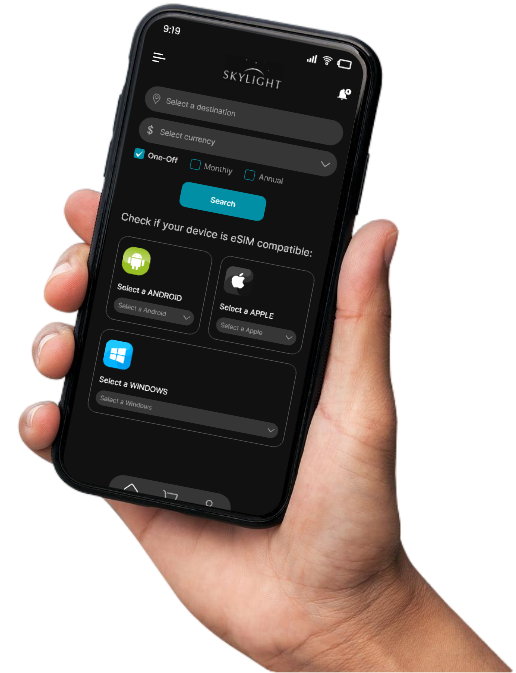
It’s easy to top up online. Just go to the Ubigi app or visit Skylight.com

Top up from any device (smartphone, tablet, laptop)

Choose from one‑off, monthly or annual data plans

Accessible anywhere* even when there is no data left or no Wi‑Fi

Accepts major international payment methods
Open your Skylight Selfcare app on your smartphone or tablet.
If you do not have the app, you can also access your Skylight account on using a web browser.
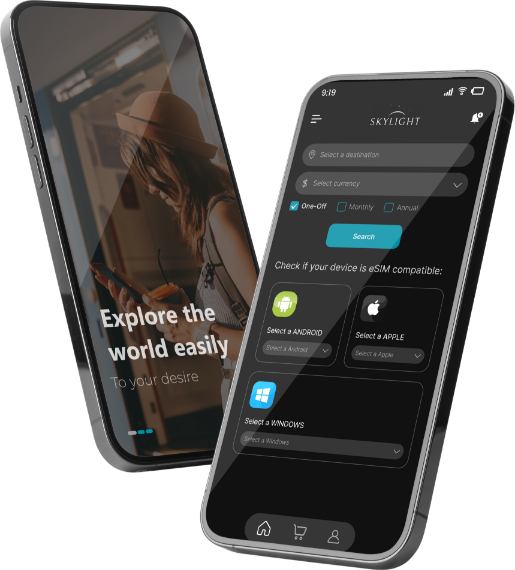
Open your Skylight Selfcare app on your smartphone or tablet.
If you do not have the app, you can also access your Skylight account on using a web browser.
Open your Skylight Selfcare app on your smartphone or tablet.
If you do not have the app, you can also access your Skylight account on using a web browser.
Open your Skylight Selfcare app on your smartphone or tablet.
If you do not have the app, you can also access your Skylight account on using a web browser.
At vero eos et accusamus et iusto odio dignissimos ducimus qui blanditiis praesentium voluptatum deleniti atque .